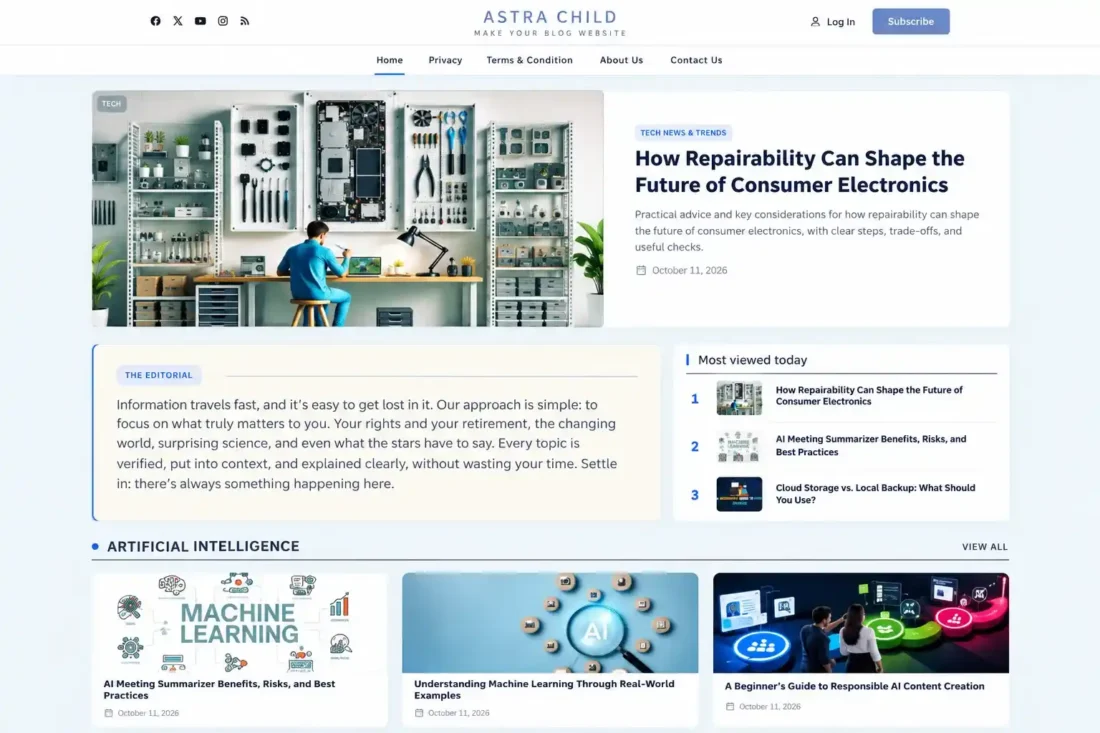
Astra Child Theme – Modern Magazine & Blog Website
- Modern magazine-style homepage design
- Featured hero posts with images
- Responsive mobile navigation menu
- Customizable header and footer sections
- Automatic category-based post grids
- Enhanced blog archives and layouts
- Lifetime Access
- 6 Months Support
- Commercial License
- Instant Download
- Regular Updates
- Well Documentation
Description
Astra Child Theme – Modern Magazine & News Website Design
Give your WordPress website a polished editorial appearance with this custom Astra Child Theme, designed for modern blogs, online magazines, and news-style websites. Built on the Astra theme foundation, it introduces a dedicated homepage layout, enhanced post presentation, responsive navigation, and customizable header and footer sections.
Modern Editorial Homepage
Create an engaging homepage featuring a prominent hero post with a featured image, category, title, excerpt, and publication date. The layout also includes an editorial introduction, a most-viewed posts section, and automatically generated category sections displaying recent articles in an attractive grid.
Enhanced Blog and Archive Layouts
Improve content readability with customized single-post styling, refined typography, spacious layouts, and wider blog archives, category archives, and search results. Featured images, post titles, publication dates, and category navigation help visitors explore your content more comfortably.
Custom Header and Responsive Navigation
Give your website a distinctive identity with a custom header featuring your site logo and tagline, social media links, login and subscribe links, and a dedicated navigation area. Mobile visitors benefit from an off-canvas menu with overlay controls, expandable submenus, and keyboard-based closing support.
Customizable Footer and Social Integration
Manage your website presentation through WordPress Customizer settings. Customize editorial text, header social links, footer descriptions, footer column titles, copyright text, and navigation menus. The theme also includes inline SVG social icons to provide a clean interface without requiring a separate icon-font plugin.
Built for Astra-Based Websites
This child theme keeps customizations separate from the Astra parent theme, making it suitable for users who want a more distinctive magazine-style design while retaining Astra as the foundation. It is ideal for publishers, bloggers, content creators, and news websites seeking a structured editorial layout.
Key Features
- Modern magazine-style homepage with featured hero post
- Automatic category sections displaying six recent posts
- Most-viewed posts section with custom view tracking
- Custom header featuring logo, tagline, social links, navigation
- Responsive off-canvas mobile menu with expandable submenus
- Customizable footer with editorial text and copyright settings
- Enhanced single-post, archive, category, and search layouts
Installation Guide
- Install and activate the Astra parent theme and your Astra Child Theme before proceeding.
- Log in to your WordPress Dashboard and navigate to Plugins → Add New Plugin → Upload Plugin.
- Click Choose File and select the `astra-post-page-manager.zip` plugin file.
- Click Install Now and wait for the installation to complete.
- Click Activate Plugin to enable Astra Post Page Manager on your website.
- Open any existing blog post or create a new post by navigating to Posts → Add New Post.
- Locate the Article Components panel in the post editor. Enable Article Components to display the plugin's article enhancement sections.
- Add a short summary in the In Short field and enter your key points in the Essentials section, with each point on a separate line.
- Fill in the Big Number and its short description if you want to highlight an important statistic in your article.
- Add frequently asked questions and answers using the FAQ fields. Use the Add FAQ button to create additional question-and-answer entries.
- Enter the author's social profile links by navigating to Users → Profile or Users → All Users → Edit User. Add the relevant social URLs and save the profile.
- Publish or update the blog post, then visit its frontend page to check the article components and social-sharing elements.
- Repeat these steps for other blog posts where you want to use the article enhancement features. Keep your Astra parent theme and child theme active so the plugin can work alongside your existing website design.
Related products
-
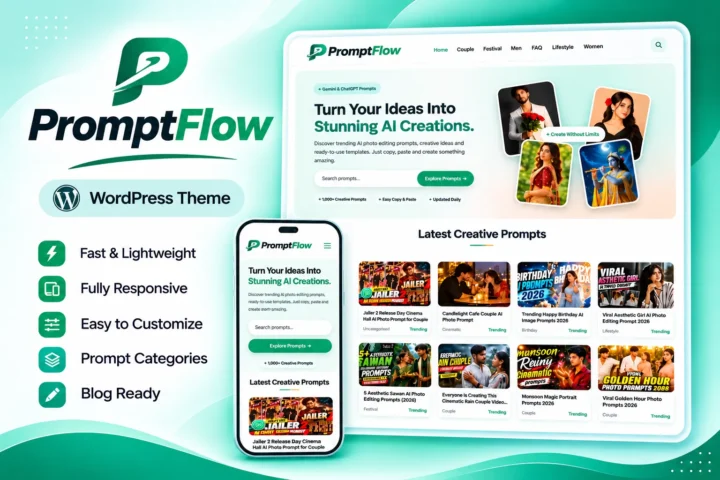 View Details
$29.53$5.10 -
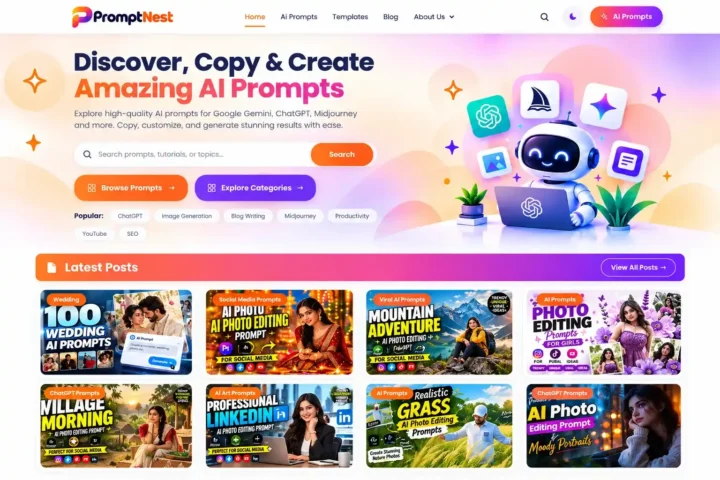 View Details
$29.53$4.53 -
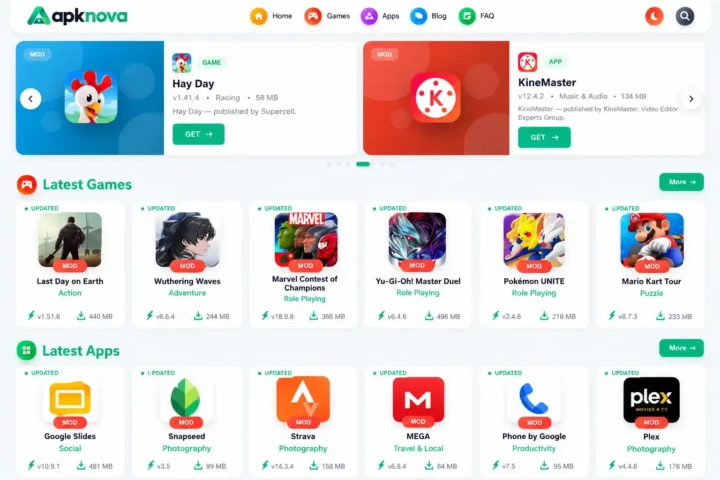 View Details
$34.08$11.35 -
 View Details
$29.53$11.35

Reviews
There are no reviews yet.