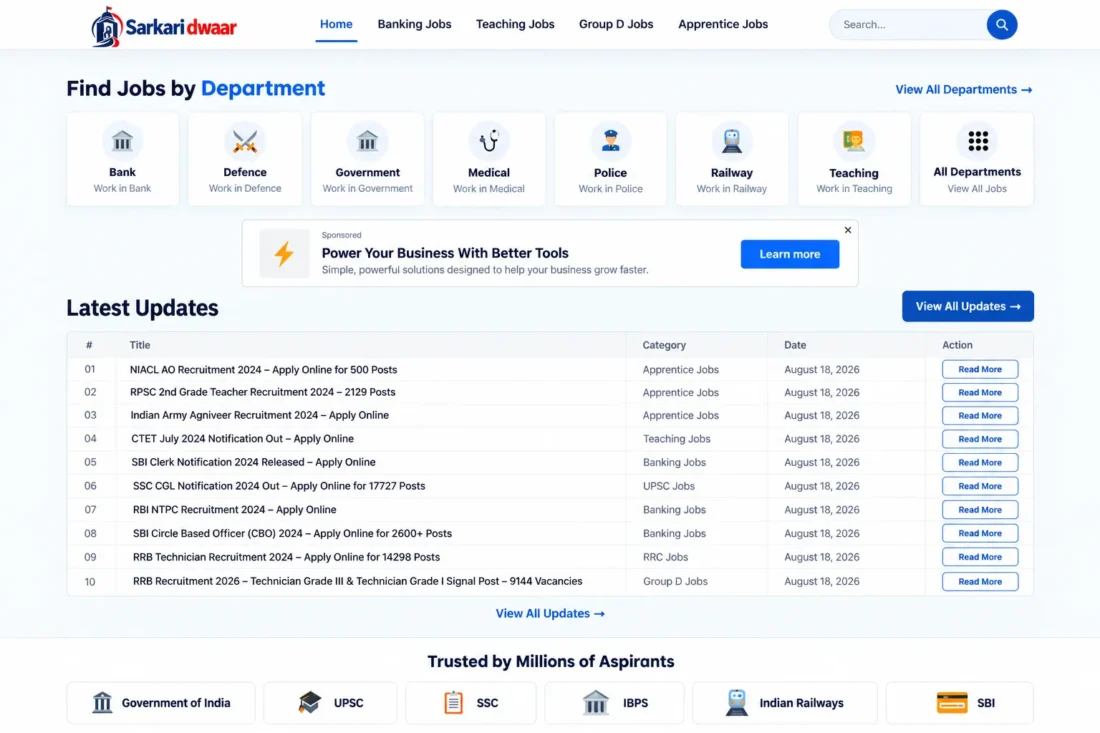
Sarkari Dwaar WordPress Theme – (Best For ADX/AdSense Loading Arbitrage)
- Modern WordPress theme for government job portals
- Dedicated job listings with detailed vacancy information
- State, qualification, category, and department filters
- Homepage featuring latest recruitment notifications
- Online application links and deadline information
- Step-by-step application instructions for each job
- Lifetime Access
- 6 Months Support
- Commercial License
- Instant Download
- Regular Updates
- Well Documentation
Description
Build a Professional Government Job Portal
Create a modern recruitment and employment information website with Sarkari Dwaar, a WordPress theme designed for government job notifications, Sarkari Naukri updates, recruitment announcements, and career information portals. Its structured layout helps visitors browse job opportunities, explore departments, and find relevant updates through organized sections.
Dynamic Job Management System
Manage vacancies directly from the WordPress Dashboard using the dedicated Jobs post type. Organize listings by state, qualification, job category, and department. Each job entry supports a vacancy count, online application URL, last application date, and a separate application-steps checklist, helping you present important recruitment information clearly.
Organized Homepage and Job Discovery
The homepage features a Find Jobs by Department section and a Latest Updates table displaying recent job announcements. Dedicated page templates let you organize listings by state, qualification, category, department, and recent updates. This structure helps visitors browse opportunities based on their interests and eligibility.
Customization and Advertisement Support
Personalize your website with the WordPress Customizer options for logo, colors, typography, footer content, and other supported design settings. The theme also includes advertisement placements in selected website locations, allowing publishers to integrate ad code into supported sections of the homepage and other templates.
Responsive Design for Career Websites
Sarkari Dwaar is suitable for government job portals, recruitment blogs, and employment information websites. Built for WordPress 6.0 or later and PHP 7.4 or later, it provides a practical foundation for publishing structured job notifications. Add your own job content, create relevant categories and departments, configure navigation, and customize the design to suit your brand.
Key Features
- Dedicated Jobs post type for recruitment listings
- Dynamic job organization by state and qualification
- Homepage Latest Updates table for new vacancies
- Department-based navigation with customizable icons
- Job details with vacancies and application deadlines
- Separate application instructions checklist for each job
- Customizable colors, typography, footer, and advertisements
Installation Guide
- Download the `sarkari-dwaar.zip` theme file to your computer.
- Log in to your WordPress Dashboard and navigate to Appearance → Themes → Add New Theme → Upload Theme.
- Click Choose File, select the `sarkari-dwaar.zip` file, and click Install Now.
- After installation finishes, click Activate to enable the Sarkari Dwaar theme.
- Navigate to Settings → Permalinks, select a structure such as Post name, and click Save Changes to refresh WordPress URLs.
- Go to Appearance → Customize to upload your website logo and configure the available colors, typography, and footer settings.
- Navigate to Appearance → Menus, create your primary navigation menu, add the required pages, and assign it to the Primary Menu location.
- Open Jobs → States, Jobs → Qualifications, Jobs → Job Categories, and Jobs → Departments to create the relevant terms for your website.
- Go to Jobs → Add New Job to publish a recruitment notification with its title and complete description.
- In the job editor, assign the appropriate state, qualification, category, and department.
- Complete the Job Details fields, including the number of vacancies, online application URL, and last application date.
- Enter the application instructions in the How to Apply — Steps field, with each step on a separate line.
- Publish the job and review its frontend page to confirm that the information displays correctly.
- Create the required pages for Jobs & Updates, Jobs by State, Jobs by Qualification, Jobs by Category, and Jobs by Department, selecting the corresponding page templates where available.
- Open the advertisement settings and configure your ad code and supported placements if you plan to display advertisements.
- Visit the homepage and all job listing pages to test navigation, job details, department links, advertisements, and mobile responsiveness before launch.
Related products
-
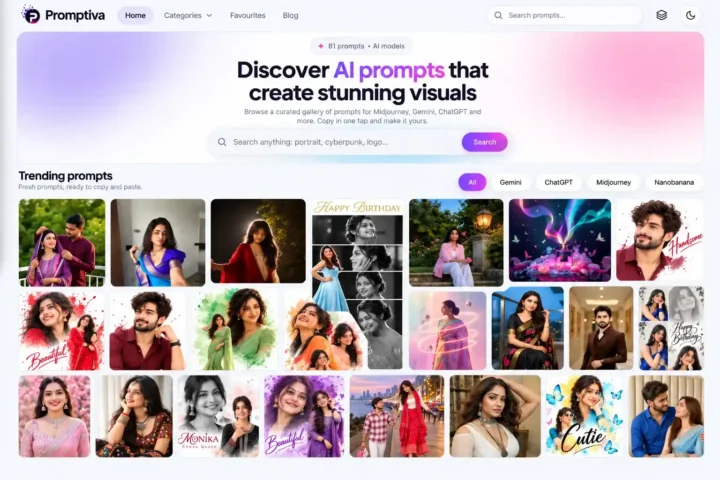 View Details
₹2,599.00₹449.00 -
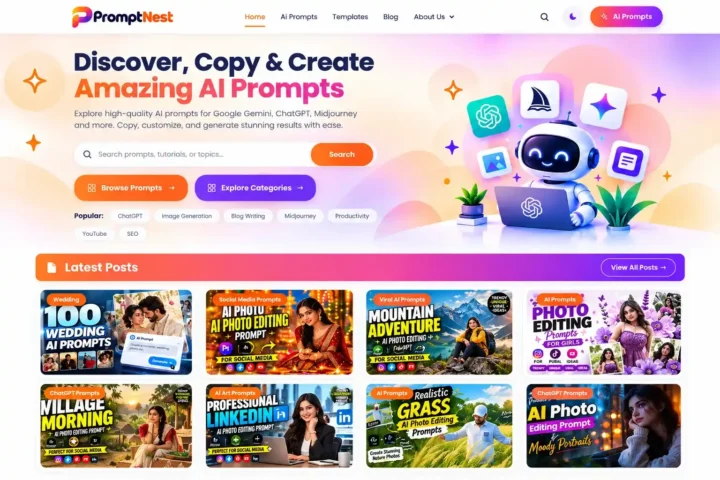 View Details
₹2,599.00₹399.00 -
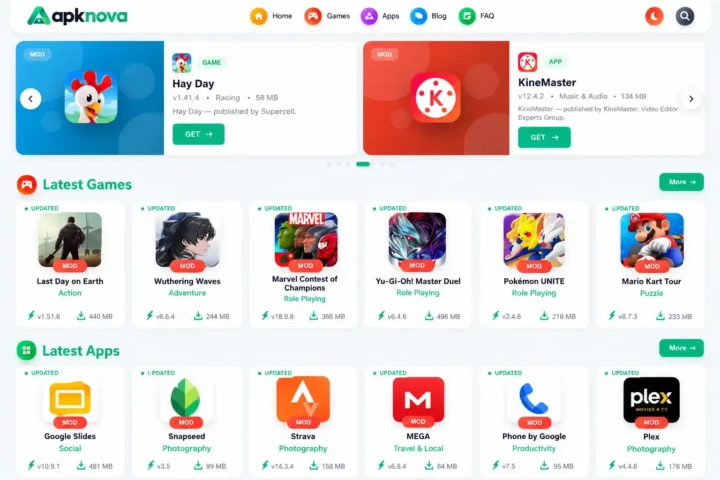 View Details
₹2,999.00₹999.00 -
 View Details
₹2,599.00₹299.00

Reviews
There are no reviews yet.