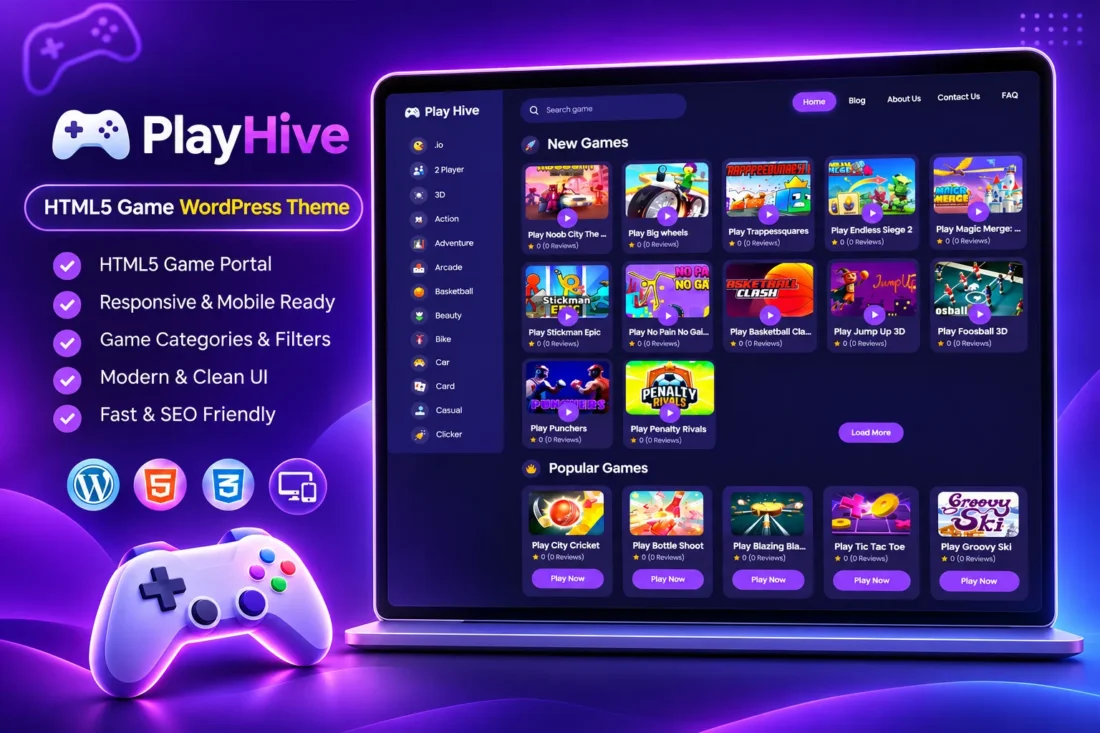
PlayHive – HTML5 Gaming WordPress Theme
- Build a professional HTML5 gaming website
- Add games using URLs or embed codes
- Organize games with categories and tags
- Display new and popular browser games
- Customize ads, colors, and game settings
- Export and import your complete game library
- Lifetime Access
- 6 Months Support
- Commercial License
- Instant Download
- Regular Updates
- Well Documentation
Description
Build Your Own Online Gaming Website
PlayHive is a modern WordPress theme designed for HTML5 gaming portals, browser game websites, and online arcade platforms. Its organized layout helps you showcase games, create dedicated game pages, and build an engaging destination where visitors can discover and play browser-based games.
Dedicated Game Management System
PlayHive includes a custom Games post type with separate categories and tags. Add games using a direct Game URL, an embed or iframe code, or custom HTML. Each game can have its own title, description, featured image, play statistics, and category information. The dedicated game page includes a player area with fullscreen and pop-out options.
Engaging Homepage and Game Discovery
Display New Games, Popular Games, and You May Like sections on your homepage. Visitors can browse game categories, explore game archives, and discover related content. The theme also includes a blog system with standard posts, archives, categories, and search pages, making it useful for publishing gaming news, guides, and updates.
Customization and Monetization
Manage your website through the built-in Game Settings dashboard. Customize the brand color, game display counts, player features, footer information, and social links. Enable play counters, star ratings, like/dislike buttons, social sharing, and comments. Dedicated advertising placements let you add ad codes below the header, game player, game description, homepage sections, and above the footer.
Export, Import and Easy Installation
Transfer your game library between websites using the built-in Export / Import system. Backups can include games, embeds, statistics, categories, tags, images, and theme settings. Install PlayHive through the standard WordPress theme uploader and start adding your games from the WordPress dashboard.
Key Features
- Dedicated Games post type with individual game pages
- Support for game URLs, iframe embeds, and custom HTML
- Homepage sections for New, Popular, and Recommended Games
- Game categories, tags, and featured images
- Fullscreen and pop-out game player options
- Play counters, ratings, likes, dislikes, and social sharing
- Built-in Export / Import with game images and settings
Installation Guide
- Download the PlayHive theme ZIP file to your computer.
- Log in to your WordPress admin dashboard.
- Navigate to Appearance → Themes → Add New Theme → Upload Theme.
- Select the `playhive.zip` file and click Install Now.
- After installation is complete, click Activate to enable the PlayHive theme.
- Navigate to Games → Categories and create your game categories. The theme does not create default categories automatically.
- Navigate to Games → Tags to create tags for organizing your games.
- Go to Games → Add New Game to publish your first game.
- Enter the game title, description, and featured image.
- Choose the appropriate embed type: Game URL, Embed/iframe Code, or Custom HTML. Add the corresponding game URL or embed content.
- Assign the game to its relevant categories and tags, then publish it.
- Navigate to Games → Settings to customize your brand color, homepage game counts, archive settings, player features, footer information, and social media links.
- Open Appearance → Menus and create your Primary Menu and Footer Links menu. Assign them to the corresponding theme locations.
- Go to Games → Export / Import to transfer games, categories, tags, images, statistics, and theme settings between compatible websites.
- Configure your advertising codes and enable the desired placements from Games → Settings.
- Visit your website and test the homepage, game pages, fullscreen player, navigation, and responsive layout.
Related products
-
 View Details
₹2,999.00₹999.00 -
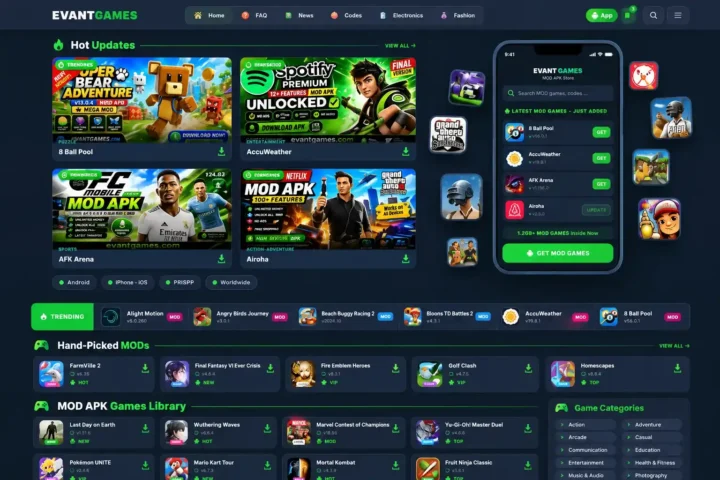 View Details
₹2,599.00₹499.00 -
 View Details
₹2,599.00₹399.00 -
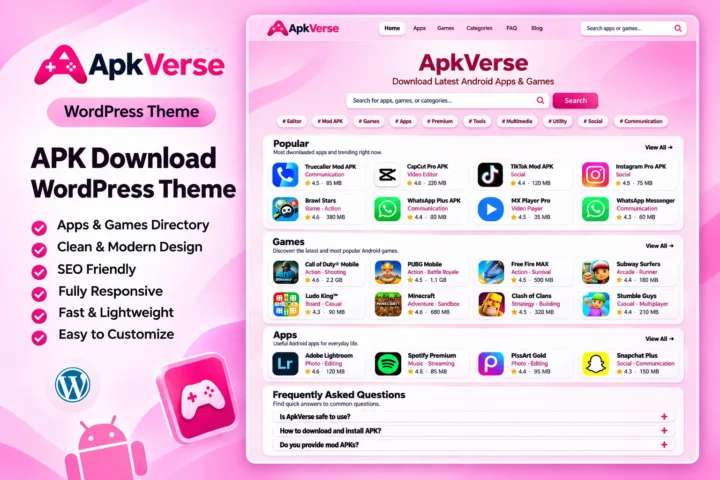 View Details
₹2,599.00₹499.00

Reviews
There are no reviews yet.