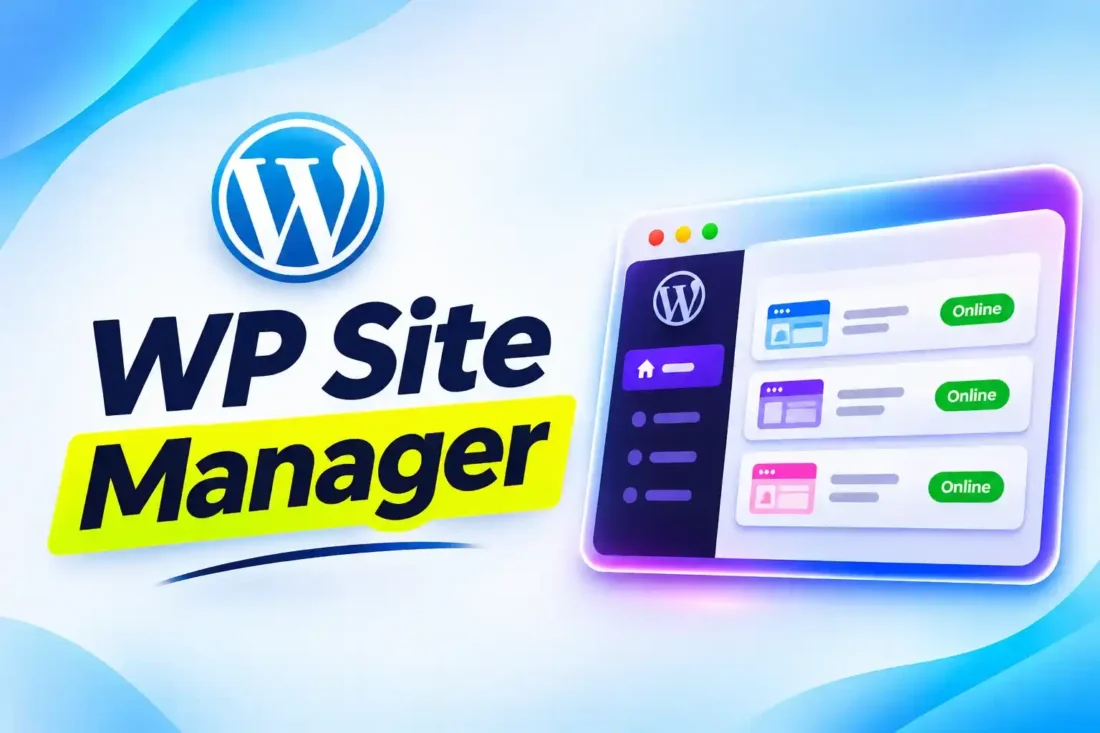
WP Site Manager – Manage Multiple WordPress Websites from One Dashboard
- Manage multiple WordPress websites
- Centralized website management dashboard
- Simplify your daily workflow
- Save time managing websites
- Ideal for developers and agencies
- Organize websites from one place
- Lifetime Access
- 6 Months Support
- Commercial License
- Instant Download
- Regular Updates
- Well Documentation
Description
Manage Multiple WordPress Websites Easily
Managing multiple WordPress websites can become time-consuming when you need to log in to each website separately. WP Site Manager helps simplify your workflow by allowing you to manage multiple WordPress websites from a centralized dashboard. It is a practical solution for website owners, developers, freelancers, and agencies who work with multiple WordPress installations.
Centralized Website Management
Keep your WordPress websites organized in one place instead of switching between multiple browser tabs and admin dashboards. With a centralized management workflow, handling several websites becomes more convenient and efficient.
Save Time and Simplify Your Workflow
Whether you’re managing personal websites, client projects, blogs, business websites, or demo installations, WP Site Manager can help reduce repetitive tasks and make your daily website management easier. Spend less time navigating different dashboards and more time focusing on building, maintaining, and improving your websites.
Ideal for Developers and Agencies
WP Site Manager is useful for WordPress developers, freelancers, agencies, and website administrators who regularly manage multiple websites. Keeping your websites organized can help improve productivity and make your workflow more manageable as your website portfolio grows.
A Better Way to Manage Your Websites
If you regularly work with multiple WordPress websites, WP Site Manager offers a convenient approach to centralized website management. Simplify your routine, organize your websites, and make managing multiple WordPress installations easier from one place.
Get WP Site Manager and streamline your WordPress website management workflow.
Key Features
- Manage Multiple WordPress Sites
- Centralized Website Dashboard
- Quick Website Access
- Simplified Site Management
- Save Time and Effort
- Ideal for Developers and Agencies
Installation Guide
- Download the WP Site Manager plugin ZIP file after purchase.
- Log in to your WordPress admin dashboard.
- Navigate to Plugins > Add New Plugin > Upload Plugin.
- Select the downloaded ZIP file and click Install Now.
- Activate the plugin after installation is complete.
- Follow the plugin setup instructions to connect and manage your websites.

Reviews
There are no reviews yet.