
Smart Safelink with Animated Progress Bar
-
Fully responsive and lightweight (pure HTML, CSS, JS)
-
Gradient download button with hover glow and bounce animation
-
Countdown timer with live progress bar and shimmer animation
-
Progress updates every second with smooth transitions
-
Secure safelink system with final “Go To Download Page” reveal
-
Customizable timer duration (default 30 seconds)
-
No external libraries or frameworks required
-
Works perfectly on Blogger, WordPress, PHP, and HTML pages
-
Easy integration — copy, paste, and edit your target URL
-
Professional UI/UX with modern visual effects
-
Minimal load time and SEO-friendly
- Lifetime Access
- 6 Months Support
- Commercial License
- Instant Download
- Regular Updates
- Well Documentation
Description
Smart Safelink with Animated Progress Bar – Modern Download Timer
Upgrade your website’s download experience with Smart Safelink with Animated Progress Bar, a customizable HTML, CSS, and JavaScript component designed for Blogger and WordPress websites. It combines an interactive download button, a timed waiting process, an animated progress bar, and a final download-page link in one convenient interface. Its vibrant colors and smooth animations help create a more engaging experience for visitors.
⏳ Animated Progress Bar and Countdown
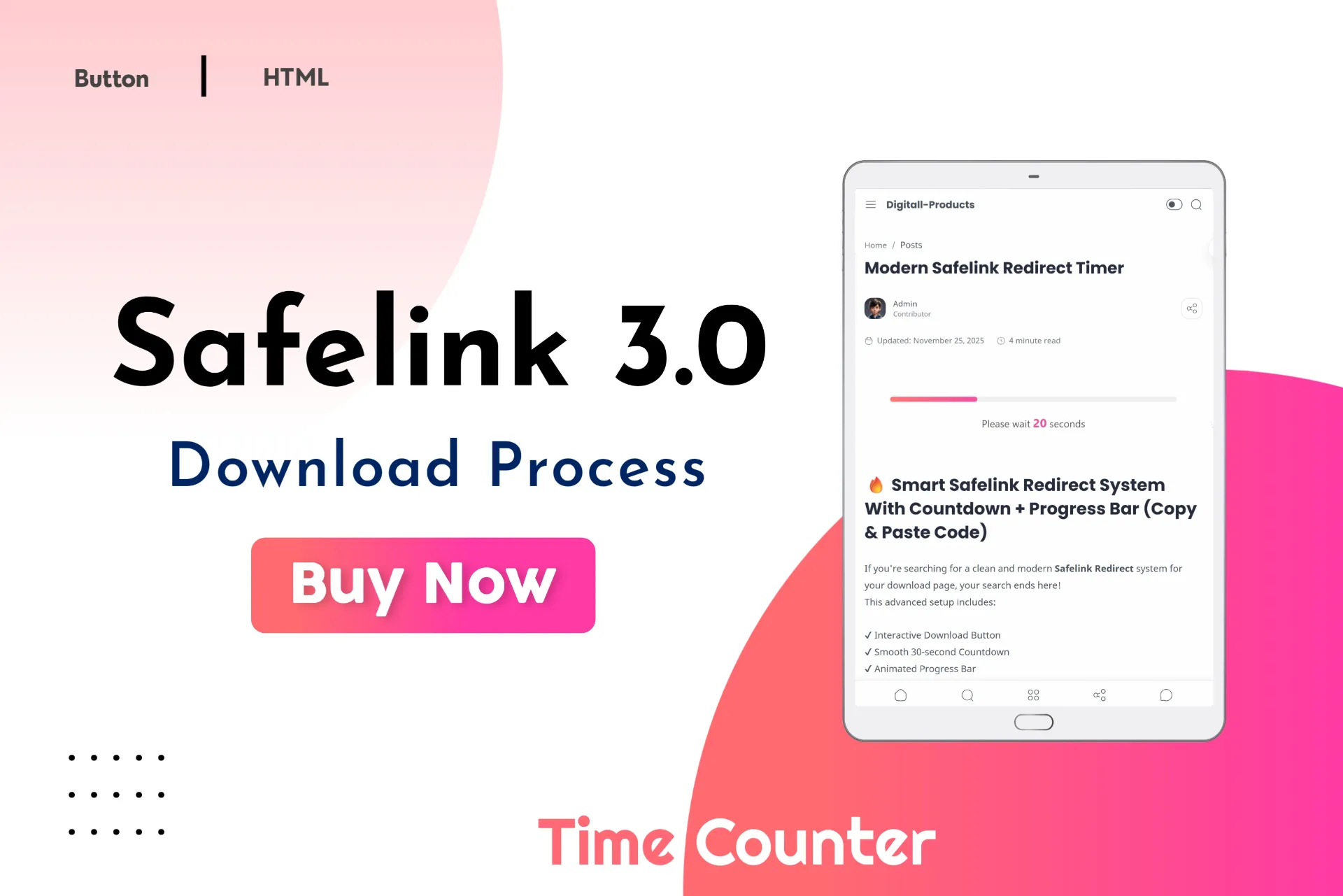
When a visitor clicks the Download button, the component starts a 30-second timer and displays a colorful progress bar with a remaining-time message. The bar gradually fills while a subtle shimmer animation adds movement to the design. After the timer finishes, the waiting indicator disappears and the next link becomes available.
🎨 Modern Buttons and Gradient Effects
The component features a prominent pink download button, a yellow link button, and a vibrant gradient final-link button. Rounded corners, smooth hover transitions, and animated color effects give the interface a polished appearance. You can customize the colors, button text, spacing, and animation styles to match your website branding.
🔗 Flexible Safelink Integration
The code supports a two-part setup: place the download button and waiting interface near the beginning of a post, then add the final download-page link near the end. The included comments explain where to insert each section, making it useful for Blogger posts or WordPress content-insertion workflows.
💻 Easy Customization
Built with standard HTML, CSS, and JavaScript, this component does not require an additional JavaScript library. You can change the waiting duration, destination URL, button labels, and visual styling to suit your download workflow.
This tool is ideal for download blogs, resource websites, and content platforms that need a simple timed-link interface.
Important: The timer simulates waiting time rather than tracking a real download. Test the complete flow before publishing, as the supplied code expects specific elements to be placed in the correct locations.
Key Features
- 30-second countdown with live remaining-time updates
- Animated progress bar with a shimmer effect
- Interactive download button that starts the waiting process
- Gradient buttons with smooth hover animations
- Two-part safelink setup for post beginning and ending
- Customizable timer duration, button labels, colors, and destination URL
- Compatible with Blogger and adaptable to WordPress pages
Installation Guide
- Download the Smart Safelink with Animated Progress Bar code file.
- Back up your website or create a test post before adding the code.
- Open the file in a code editor and identify the CSS, HTML, and JavaScript sections.
- Add the CSS to your page’s head section or your website’s custom stylesheet.
- Insert the main download button and waiting-interface HTML near the beginning of the post, using a compatible WordPress content-insertion method or Blogger HTML editor.
- Add the final download-link HTML near the end of the same post and replace the example URL with your actual download-page URL.
- Add the JavaScript near the closing body tag or through a compatible script-insertion method, ensuring it loads after the required HTML elements.
- Adjust the timer duration, button text, colors, and styling as needed.
- Test the complete flow, including the countdown, progress animation, and final link, on desktop and mobile devices before publishing.
Related products
-
 View Details
₹99.00₹49.00 -
 View Details
₹99.00₹49.00 -
 View Details
₹99.00₹49.00

Reviews
There are no reviews yet.