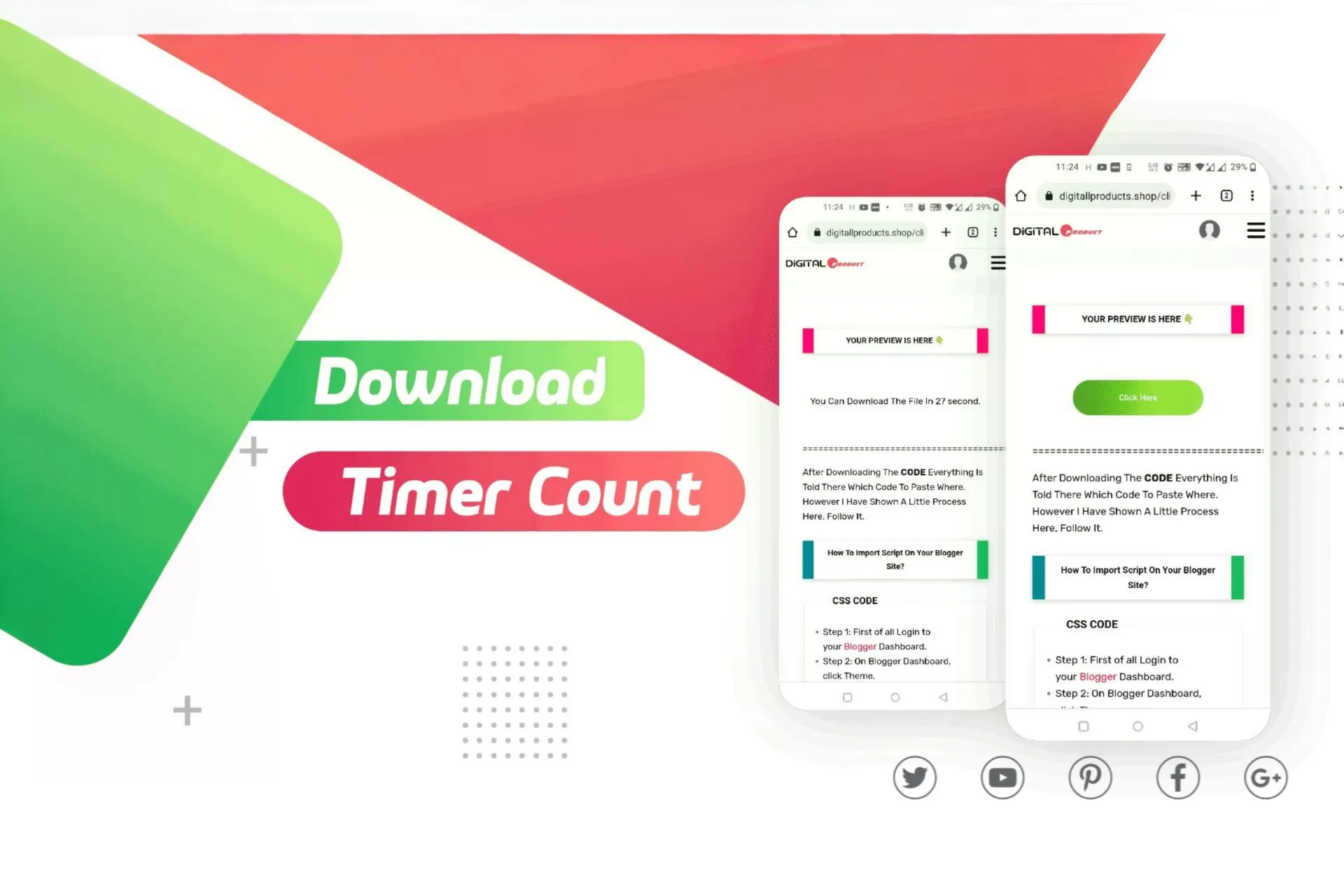
Simple Countdown Download Button
-
Clean and responsive UI with gradient buttons
-
Automatic countdown timer before showing download link
-
Built using pure HTML, CSS, and JavaScript
-
Lightweight and dependency-free
-
Easy to customize button colors, timer duration, and link URL
-
Professional gradient hover effect for enhanced aesthetics
-
Compatible with all modern browsers and devices
-
Ideal for digital downloads, content lockers, and landing pages
- Lifetime Access
- 6 Months Support
- Commercial License
- Instant Download
- Regular Updates
- Well Documentation
Description
Simple Countdown Download Button – Modern Animated Download Component
Give your website a clean and interactive download experience with the Simple Countdown Download Button, a lightweight HTML, CSS, and JavaScript component designed for digital product stores, file-sharing websites, and resource download pages. Its attractive gradient buttons, automatic countdown display, and simple centered layout help you create a professional download section without unnecessary design elements.
🎨 Attractive Gradient Button Design
The component features two distinct buttons with colorful gradient backgrounds. The primary download button uses a vibrant red-orange gradient, while the secondary button features a fresh green gradient with a smooth hover animation. Rounded corners, balanced spacing, and modern system fonts help the buttons fit naturally into contemporary website designs.
⏳ Interactive 30-Second Countdown
When visitors click the secondary button, it disappears and a countdown message appears in its place. The timer updates every second, displaying the remaining waiting time. After the countdown completes, the message is replaced by the original download link, allowing visitors to access the download button.
💻 Lightweight and Easy to Customize
Built with standard HTML, CSS, and JavaScript, this component does not require an additional JavaScript library. You can customize the button labels, gradient colors, countdown duration, typography, and download destination to match your website branding. Its compact structure makes it suitable for integration into a custom HTML page or compatible website template.
📱 Suitable for Digital Download Websites
Use this component to present downloads for WordPress themes, website templates, PHP scripts, presets, documents, ZIP archives, and other digital resources. The simple layout keeps the focus on the download action and can be adapted to different website designs.
Important: The countdown is a front-end delay, not secure file protection or download verification. Replace the sample URL with your actual download destination before publishing. The supplied code uses a shared countdown value, so customize the JavaScript if you plan to use multiple independent instances on the same page.
Key Features
- Two attractive gradient buttons with distinct visual styles
- Automatic 30-second countdown with live text updates
- Download button appears again after the countdown finishes
- Smooth hover animation on the green button
- Customizable button labels, colors, and destination URL
- Lightweight HTML, CSS, and JavaScript implementation
- Suitable for digital products, templates, scripts, and downloadable resources
Installation Guide
- Download the Simple Countdown Download Button code file.
- Back up your website or theme before making changes.
- Open the code file in a code editor and locate the CSS, HTML, and JavaScript sections.
- Add the CSS code inside the head section of your page or place it in your theme’s stylesheet.
- Insert the HTML button markup into the download page where you want the buttons to appear.
- Add the JavaScript code before the closing body tag, ensuring the button elements are available when the script runs.
- Replace the sample download URL with your actual file destination and customize the button text as needed.
- Adjust the countdown value, colors, spacing, and typography to match your website design.
- Save your changes and test the button click, countdown message, and download link on desktop and mobile devices.
Related products
-
 View Details
$1.13$0.56 -
 View Details
$1.13$0.56 -
 View Details
$1.13$0.56 -
 View Details
$1.13$0.56
Reviews
There are no reviews yet.