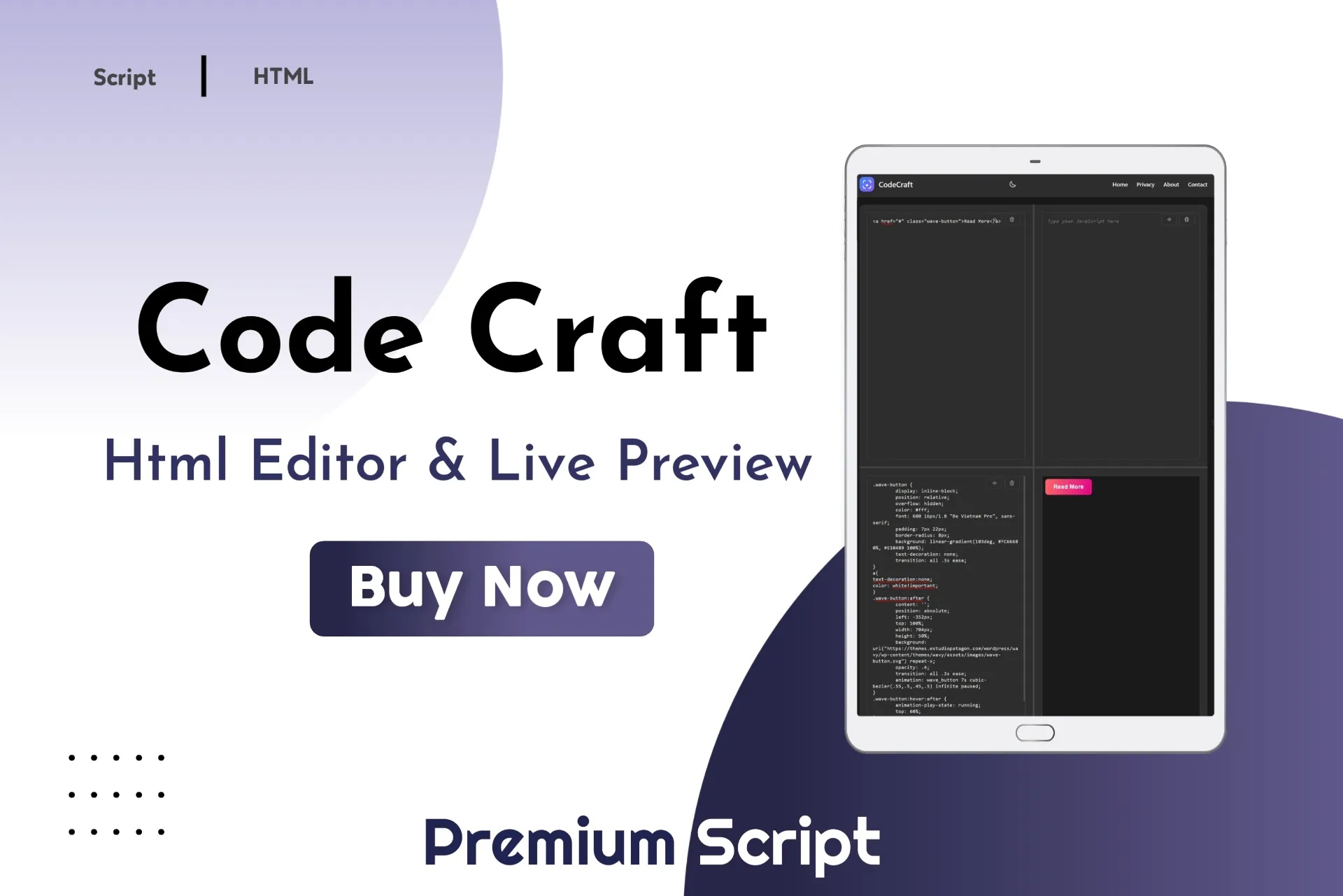
HTML Live Preview Script
-
Real-time live code preview
-
Separate HTML, CSS, JS editors
-
One-click copy & clear buttons
-
Responsive mobile-friendly UI
-
Dark and light theme modes
-
Fast and lightweight performance
-
No login or installation required
-
Beginner-friendly coding interface
- Lifetime Access
- 6 Months Support
- Commercial License
- Instant Download
- Regular Updates
- Well Documentation
Description
CodeCraft – Modern HTML, CSS & JavaScript Live Preview Editor
Upgrade your website with CodeCraft, a modern browser-based coding playground designed for writing, testing, and previewing HTML, CSS, and JavaScript in one convenient interface. With a professional layout, interactive editing panels, and a live output preview, this ready-to-use tool is ideal for developers, coding educators, bloggers, and programming tutorial websites.
💻 Separate Code Editing Panels
CodeCraft provides dedicated editors for HTML, CSS, and JavaScript, allowing users to work with each language independently. Built-in copy and clear controls make it easier to manage code while experimenting with different layouts, styles, and functionality.
⚡ Real-Time Live Preview
See your changes instantly as you type. The editor combines your HTML, CSS, and JavaScript and renders the result inside an embedded preview frame. This makes testing interface designs, styling adjustments, and interactive examples more convenient without manually refreshing the page.
🎨 Resizable Panels and Dark Mode
The interface includes draggable dividers so users can adjust the space allocated to the editing and preview panels. A built-in light and dark mode toggle provides an alternative viewing experience, with the selected theme preference saved in the browser. The responsive layout also adapts for smaller screens, including a collapsible mobile navigation menu.
🛠️ Easy to Customize and Integrate
Built with HTML, CSS, and JavaScript, CodeCraft comes as a standalone HTML file inside a ZIP archive. You can customize its branding, colors, navigation links, layout, and editor styling to suit your project. Use it as a foundation for coding tutorials, educational demonstrations, or a lightweight online code playground.
Note: This is a basic editor rather than a full IDE. Review iframe security and test the interface across supported browsers before deploying it publicly.
Key Features
- Separate HTML, CSS, and JavaScript code editors
- Automatic live preview in an embedded iframe
- Copy and clear controls for each code editor
- Draggable dividers for resizing editing and preview panels
- Light and dark mode with browser-based theme preference storage
- Responsive interface with collapsible mobile navigation
- Standalone HTML file that can be customized for different websites
Installation Guide
- Download the CodeCraft HTML Live Preview ZIP file.
- Extract the ZIP archive to access the index.html file.
- Open index.html in a code editor to review the HTML, CSS, and JavaScript.
- Customize the branding, navigation links, colors, and layout according to your needs.
- Open index.html in a modern browser to test the editor and live preview locally.
- Upload the file to your website hosting if you want to publish it as a standalone page.
- If integrating it into WordPress, adapt the code for a custom page template or compatible theme component.
- Test the HTML, CSS, and JavaScript editors, copy and clear controls, resizable panels, and theme toggle.
- Check the layout on desktop and mobile screens before making the page publicly available.
Related products
-
 View Details
₹299.00₹99.00 -
 View Details
₹499.00₹149.00 -
 View Details
₹299.00₹99.00 -
 View Details
₹299.00₹99.00
Reviews
There are no reviews yet.