Secure SafeLink with Countdown Timer
-
Fully responsive and mobile-friendly design
-
Glassmorphism loading box with animated bouncing dots
-
Real-time countdown timer with smooth transitions
-
Auto-hide loader and show download button after timer
-
“Double Click to Download” system for added safety
-
Secure redirect logic using Base64-encoded links
-
Lightweight code — no external libraries
-
Easy integration into Blogger, WordPress, or any HTML page
-
Editable colors, time, messages, and animations
-
Works perfectly across all major browsers
- Lifetime Access
- 6 Months Support
- Commercial License
- Instant Download
- Regular Updates
- Well Documentation
Description
Secure SafeLink with Countdown Timer – Modern Download Link Interface
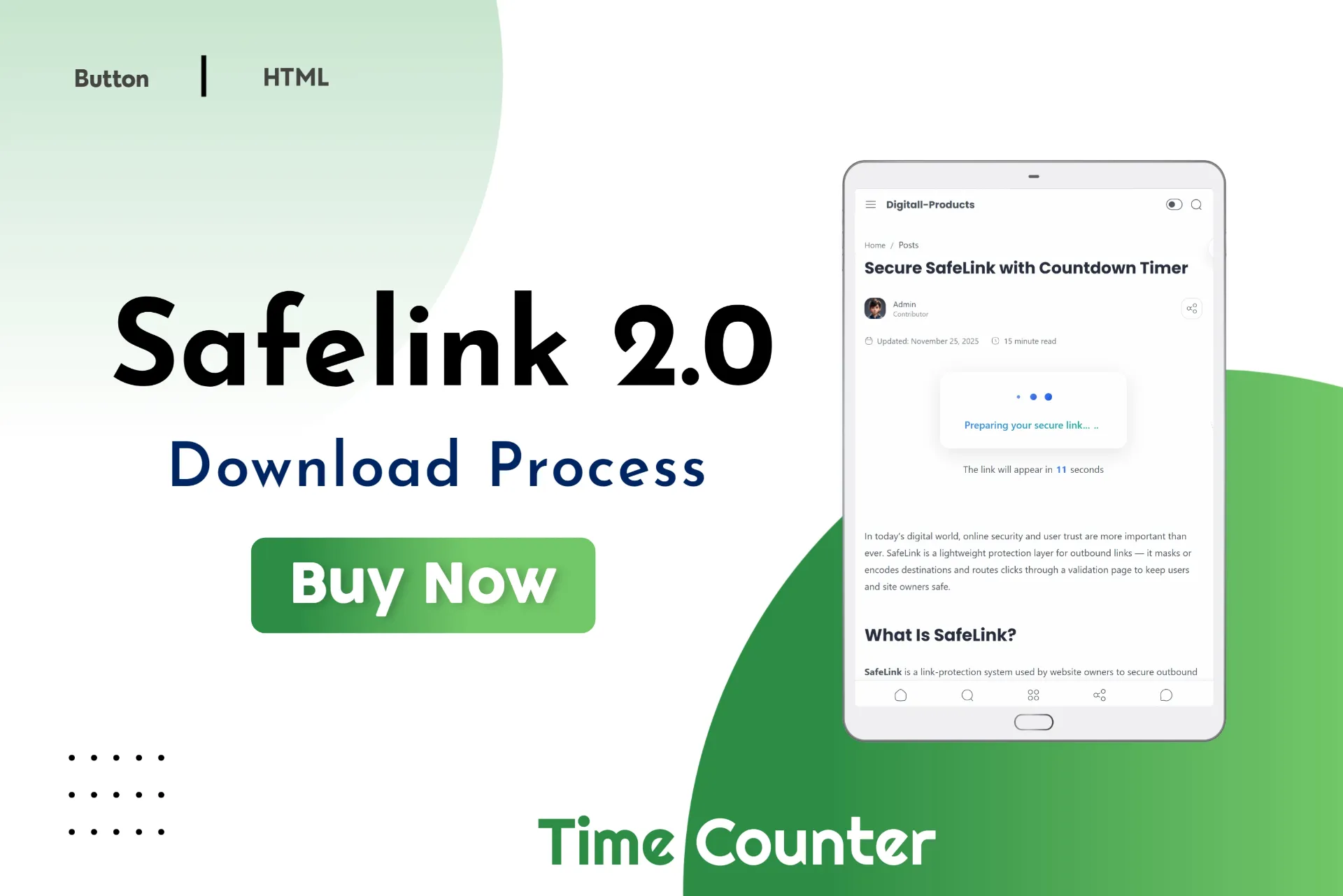
Improve your website’s download experience with Secure SafeLink with Countdown Timer, a customizable HTML, CSS, and JavaScript component designed for Blogger and WordPress download pages. It combines an animated loading panel, a live countdown, and a prominent download button to create a guided link-access experience. Its modern styling and responsive layout make it a useful addition to download blogs, resource websites, and digital content platforms.
⏳ Countdown Timer and Loading Animation
When visitors open the page, they see a “Preparing your secure link…” message with three animated bouncing dots. A 30-second countdown then displays the remaining waiting time. Once the timer finishes, the loading panel disappears and the “Double Click To Download” button becomes visible, guiding visitors toward the next step.
🎨 Modern and Responsive Design
The interface features a frosted-glass-style loading panel, rounded corners, subtle shadows, and colorful gradient buttons. The orange download button and blue animated link button create a clear visual hierarchy. CSS animations add movement through bouncing dots, pulsing effects, and smooth hover transitions. A mobile-friendly media query adjusts the loading panel and text for smaller screens.
🔗 Flexible SafeLink Integration
The supplied code separates the loading interface near the beginning of a post from the final “Go to link” button near the end. This setup is intended for Blogger posts or WordPress content-insertion workflows. The JavaScript also includes Base64 decoding and opens a decoded URL in a new tab through a separate function.
💻 Easy Customization
You can change the countdown duration, button labels, destination URLs, colors, and animation styles to suit your website. The component uses standard HTML, CSS, and JavaScript without requiring an additional JavaScript library.
Important: The supplied code does not itself validate link safety or implement a complete Base64-based redirect workflow. Configure and test the destination-link logic before publishing, and use “secure” as a design label rather than a security guarantee.
Key Features
- 30-second countdown with live remaining-time updates
- Animated loading panel with three bouncing dots
- Gradient download and link buttons with pulsing effects
- Responsive styling for smaller mobile screens
- Separate loading section and final link placement
- Customizable countdown, button text, colors, and styling
- HTML, CSS, and JavaScript implementation without an extra library
Installation Guide
- Download the Secure SafeLink with Countdown Timer code file.
- Back up your website or create a test post before making changes.
- Open the file in a code editor and identify the CSS, HTML, and JavaScript sections.
- Add the CSS to your page’s head section or your website’s custom stylesheet.
- Insert the loading panel HTML near the beginning of the post using a compatible WordPress content-insertion method or the Blogger HTML editor.
- Insert the final “Go to link” button near the end of the same post and replace the example destination URL with your own.
- Add the JavaScript through a compatible script-insertion method, ensuring it loads after the required HTML elements.
- Review the Base64 decoding and redirect logic, and configure it to match your intended link format before using it.
- Adjust the countdown duration, button labels, colors, and animation styles to match your website.
- Test the countdown, button visibility, final link, and mobile layout before publishing.
Related products
-
 View Details
₹99.00₹49.00 -
 View Details
₹99.00₹49.00 -
 View Details
₹99.00₹49.00

Reviews
There are no reviews yet.