
Modern File Download Box with Countdown
-
Clean, modern, and responsive file download interface
-
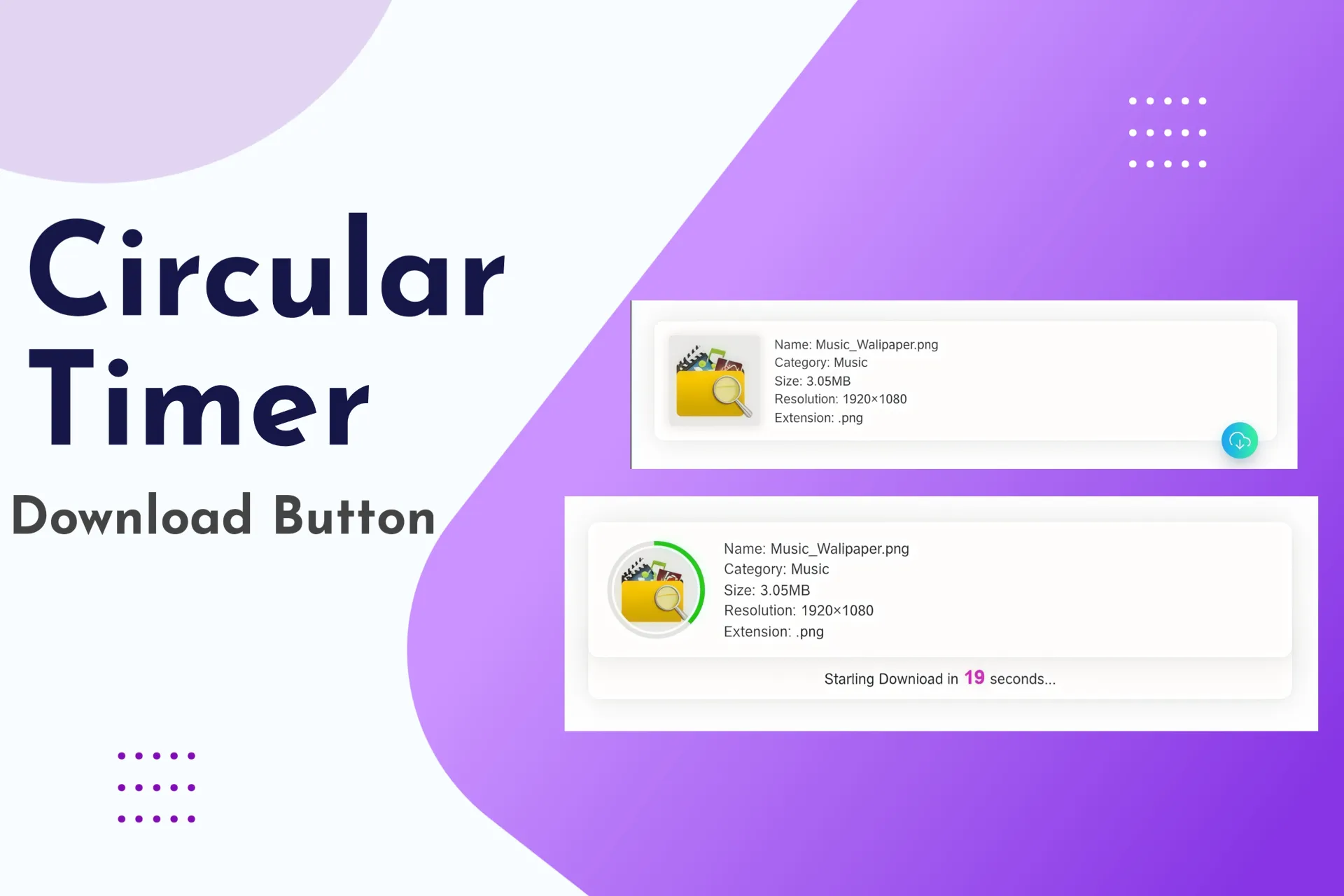
Shows file type, size, and upload date in a card layout
-
Countdown timer before automatic file download starts
-
Interactive button transitions with gradient colors
-
“Processing” state animation for better user feedback
-
Fully customizable using pure HTML, CSS, and JavaScript
-
Works perfectly in both light and dark themes
-
Compatible with all modern browsers and devices
-
Ideal for digital product downloads, portfolios, or file libraries
- Lifetime Access
- 6 Months Support
- Commercial License
- Instant Download
- Regular Updates
- Well Documentation
Description
Modern File Download Box with Countdown – Stylish Download UI Component
Upgrade your website’s download experience with the Modern File Download Box with Countdown, a clean and customizable HTML, CSS, and JavaScript component designed for digital product stores, resource websites, and file-sharing platforms. Its compact layout combines essential file information, an attractive download button, and an interactive countdown to create a polished and user-friendly download interface.
📁 Clean File Information Display
Present downloadable files in a modern card featuring a file-type badge, filename, file size, and date. The flexible layout keeps important information organized, while long filenames are automatically shortened with an ellipsis to maintain a neat appearance. You can customize the displayed details to suit PDFs, ZIP archives, templates, software, documents, and other digital resources.
⏳ Interactive 30-Second Countdown
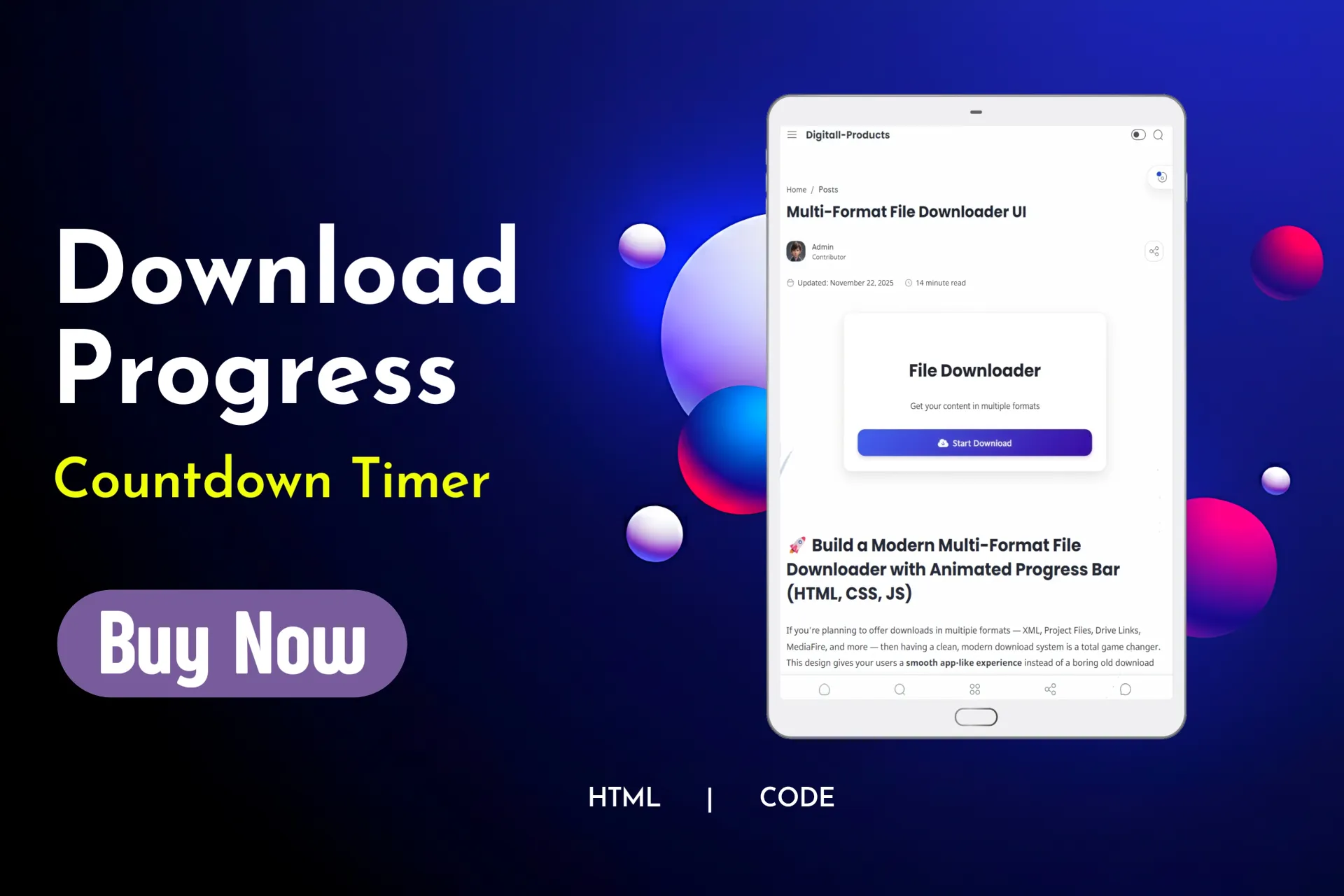
When visitors click the download button, it changes to a processing state and displays a countdown message beside the filename. After the 30-second countdown finishes, the visitor is redirected to the configured download destination. This provides a visual waiting experience before the destination opens.
🎨 Modern Button and Visual Effects
The download button features a blue gradient, a built-in download icon, rounded corners, and smooth hover animations. During processing, the button changes to a green gradient and displays a waiting cursor. The design also includes dark-mode styling for the file card when the surrounding page uses the .dark class.
📱 Easy Integration and Customization
Built with standard HTML, CSS, and JavaScript, this component can be added to a compatible website or page template. Customize the file details, colors, button text, countdown duration, and destination URL to match your brand.
This component is ideal for digital downloads, resource libraries, template stores, and websites that need an attractive file download section.
Important: The countdown is a front-end delay, not secure file protection or download verification. Replace the sample destination URL before publishing.
Key Features
- Clean file download card with a modern, compact design
- Customizable file-type badge, filename, file size, and date
- 30-second countdown triggered by the download button
- Processing state with changing button text and color
- Gradient download button with a built-in SVG icon
- Dark-mode styling support through the `.dark` class
- Easy-to-edit HTML, CSS, and JavaScript code
Installation Guide
- Download the Modern File Download Box with Countdown code file.
- Back up your website or theme before making changes.
- Open the file in a code editor and locate the CSS, HTML, and JavaScript sections.
- Add the CSS code inside the head section of your page or move it into your theme’s stylesheet.
- Insert the HTML download box into the page or template where you want the file information and download button to appear.
- Add the JavaScript code before the closing body tag, ensuring the required HTML elements are present on the page.
- Replace the sample destination URL and update the file type, filename, file size, and date with your actual file information.
- Customize the button colors, countdown duration, and other styling to match your website.
- Save your changes and test the countdown, processing state, redirect behavior, and layout on desktop and mobile devices.
Related products
-
 View Details
₹99.00₹49.00 -
 View Details
₹99.00₹49.00 -
 View Details
₹99.00₹49.00 -
 View Details
₹99.00₹49.00
Reviews
There are no reviews yet.