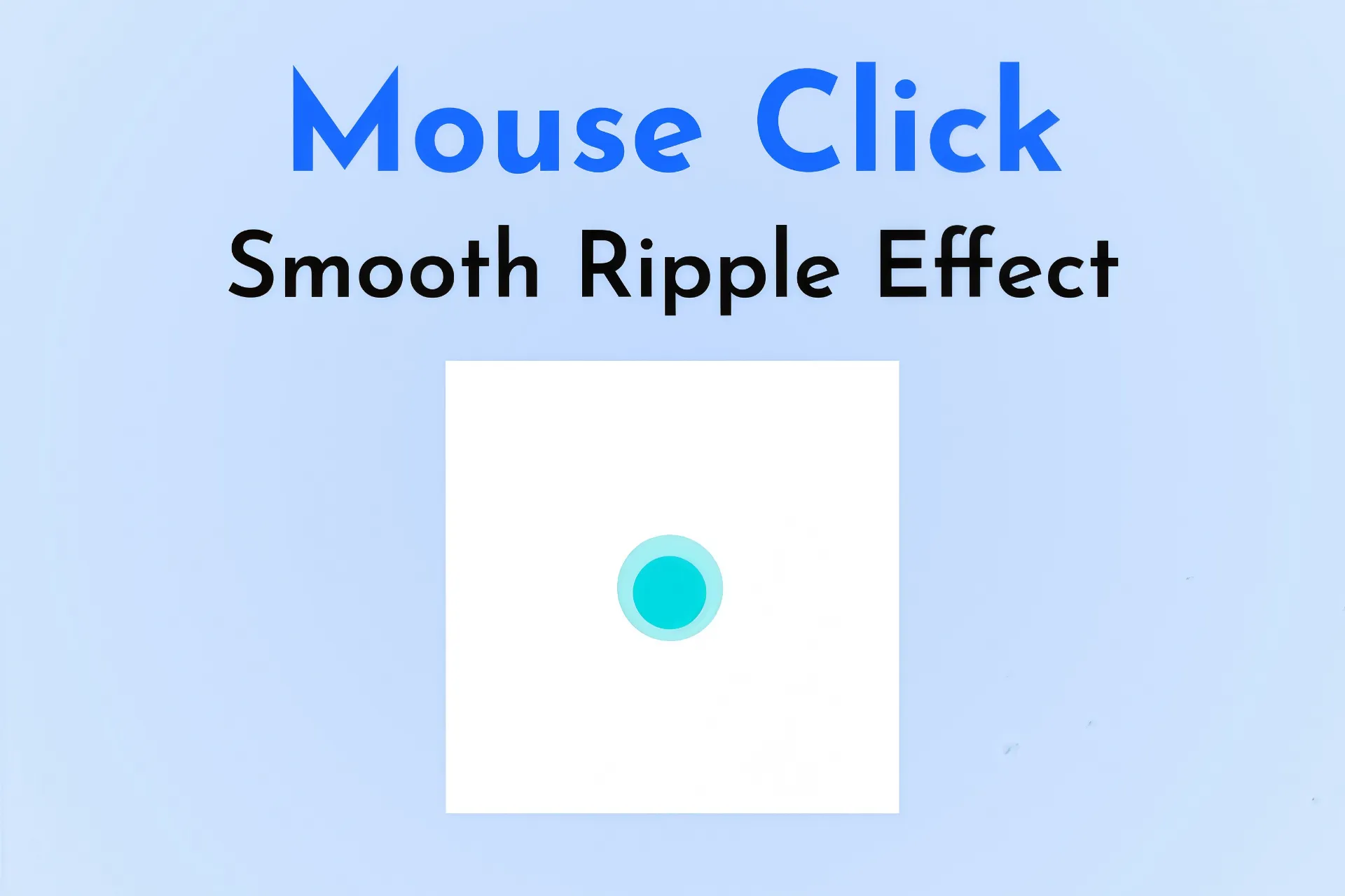
Smooth Ripple Click Effect
-
Smooth and fluid ripple animation based on the user’s click position
-
Supports both mouse clicks and mobile touch events
-
Automatically removes the ripple element after the animation completes
-
Lightweight design using simple CSS and jQuery
-
Fully compatible with all modern browsers
-
Adjusts seamlessly for dark mode environments
-
Easy to integrate into any existing webpage or layout
-
Enhances UI interaction and overall website aesthetics
- Lifetime Access
- 6 Months Support
- Commercial License
- Instant Download
- Regular Updates
- Well Documentation
Description
Smooth Ripple Click Effect – Animated Website Interaction Effect
Enhance your website’s user experience with the Smooth Ripple Click Effect, a lightweight CSS and jQuery component that creates an animated circular ripple wherever visitors click or touch the screen. This visual effect adds a modern interactive detail to your website without requiring a large animation library or a complicated setup.
✨ Smooth and Modern Ripple Animation
The component creates a circular turquoise ripple at the pointer position when a visitor interacts with the page. The circle smoothly expands and fades away, producing a subtle animation that makes ordinary clicks feel more responsive and visually engaging. The effect uses CSS transitions to control the scaling and fading animation.
📱 Mouse and Touch Support
The included jQuery script listens for both mouse clicks and touch interactions. This makes the effect suitable for websites accessed from desktop computers, tablets, and touch-enabled mobile devices. Each interaction creates an independent ripple element that is removed after its transition finishes.
🎨 Customizable Colors and Dark Mode
The default ripple uses a bright turquoise color, while the optional .darkMode class changes it to white. You can customize the circle size, color, animation duration, and transition behavior to match your website’s design. The effect uses a high stacking order and disables pointer events on the ripple so it does not obstruct normal interaction.
💻 Easy Integration
Built with CSS and jQuery, this component can be added to a compatible website theme or custom HTML page. Include the CSS in your page’s head section and place the JavaScript near the closing body tag. The supplied code loads jQuery 3.6.0 from a CDN, so an additional local jQuery installation is not required if that CDN is accessible.
This effect is ideal for blogs, portfolios, landing pages, and interactive website designs.
Note: The animation responds to mouse and touch start events across the document, so test it with your existing menus, buttons, and other interactive elements before publishing.
Key Features
- Smooth expanding circular ripple animation on interaction
- Supports mouse clicks and touch interactions
- Turquoise ripple with optional white dark-mode styling
- CSS transitions for gradual scaling and fading
- Automatically removes ripple elements after animation
- Customizable circle size, color, and animation duration
- Lightweight CSS and jQuery implementation
Installation Guide
- Download the Smooth Ripple Click Effect code file.
- Back up your website or theme before making changes.
- Open the file in a code editor and locate the CSS and JavaScript sections.
- Add the CSS code inside the head section of your page or move it into your theme’s stylesheet.
- Add the supplied jQuery CDN script and ripple-effect JavaScript near the closing body tag.
- Check whether your website already loads a compatible version of jQuery and avoid loading duplicate copies unnecessarily.
- Customize the ripple color, circle dimensions, and transition duration to match your website design.
- Add the `darkMode` class to the appropriate page container or body element if you want to use the white ripple styling.
- Test the effect with mouse clicks, touch interactions, menus, and buttons on desktop and mobile devices before publishing.
Related products
-
 View Details
₹99.00₹49.00 -
 View Details
₹99.00₹49.00 -
 View Details
₹99.00₹49.00 -
 View Details
₹99.00₹49.00
Reviews
There are no reviews yet.